
Is there an SCR111 app?
The responsive website is the mobile option that could be verified publicly. The source page declares mobile web-app support, but this review did not verify a native SCR111 listing in the Apple App Store or Google Play. Avoid unverified APK files or profiles.
SCR111 runs as a responsive web application. The public source includes mobile web-app settings, allowing the site to behave like an app when opened from a phone browser. This does not automatically mean that a separate native application is available in an official app store.
Using the browser version keeps the address visible and avoids downloading an unverified installation package. If SCR111 later promotes a native app, confirm the publisher and download source from the live website before installing it.
Use SCR111 on mobile
- Open the verified HTTPS address in Safari or Chrome.
- Log in with the registered mobile number or username.
- Use the browser menu to add a home-screen shortcut if desired.
- Keep the browser and operating system updated.
On iPhone, open SCR111 in Safari and use Add to Home Screen if a shortcut is wanted. On Android, the equivalent option appears in the Chrome browser menu. The shortcut launches the website; deleting it does not delete the casino account.
Login credentials and balances are connected to the account rather than the shortcut. A user can move between phone and desktop by signing in with the same registered details, subject to any security checks.
Mobile features
The mobile interface provides games, history, promotions, live chat and settings through a fixed bottom navigation. Account balances and deposit or withdrawal controls appear in the wallet area.
The mobile navigation provides Home, History, Promo, Live Chat and Settings. Game search and category controls are also available, while the wallet shows the balance and payment shortcuts. Screen layout may vary slightly by device size and orientation.
Mobile data usage can increase when animated game content is opened. A stable Wi-Fi or mobile connection can reduce interruptions, but public wireless networks should be avoided for account and payment activity.
Mobile security
Use a device lock, avoid public Wi-Fi for payments and never install software sent through unsolicited messages. A home-screen shortcut is still a browser link; it should open the same verified domain.
Keep the phone operating system and browser updated, protect the device with a passcode and disable notification previews if account messages should remain private. Do not leave an active casino session open on a shared device.
Links received in messages can imitate the SCR111 login screen. Open a saved bookmark or type the known address directly when possible. Never install configuration profiles, remote-control tools or APK files merely because an unsolicited contact claims they are required for a bonus.
iPhone and Android compatibility
SCR111 is designed for current mobile browsers and adapts to common phone screen sizes. Exact performance depends on the operating system, browser version, memory and connection. Closing unused tabs can help when animated game content is slow.
The website should not require access to contacts, photographs or device administration merely to open the casino lobby. Reject unexpected permission requests and verify the address.
Login and payments on mobile
Account login, registration and wallet shortcuts are visible on the mobile layout. Payment activity should be completed on a private connection, with the destination and amount checked before submission. Do not switch repeatedly between browser tabs while a cashier request is processing.
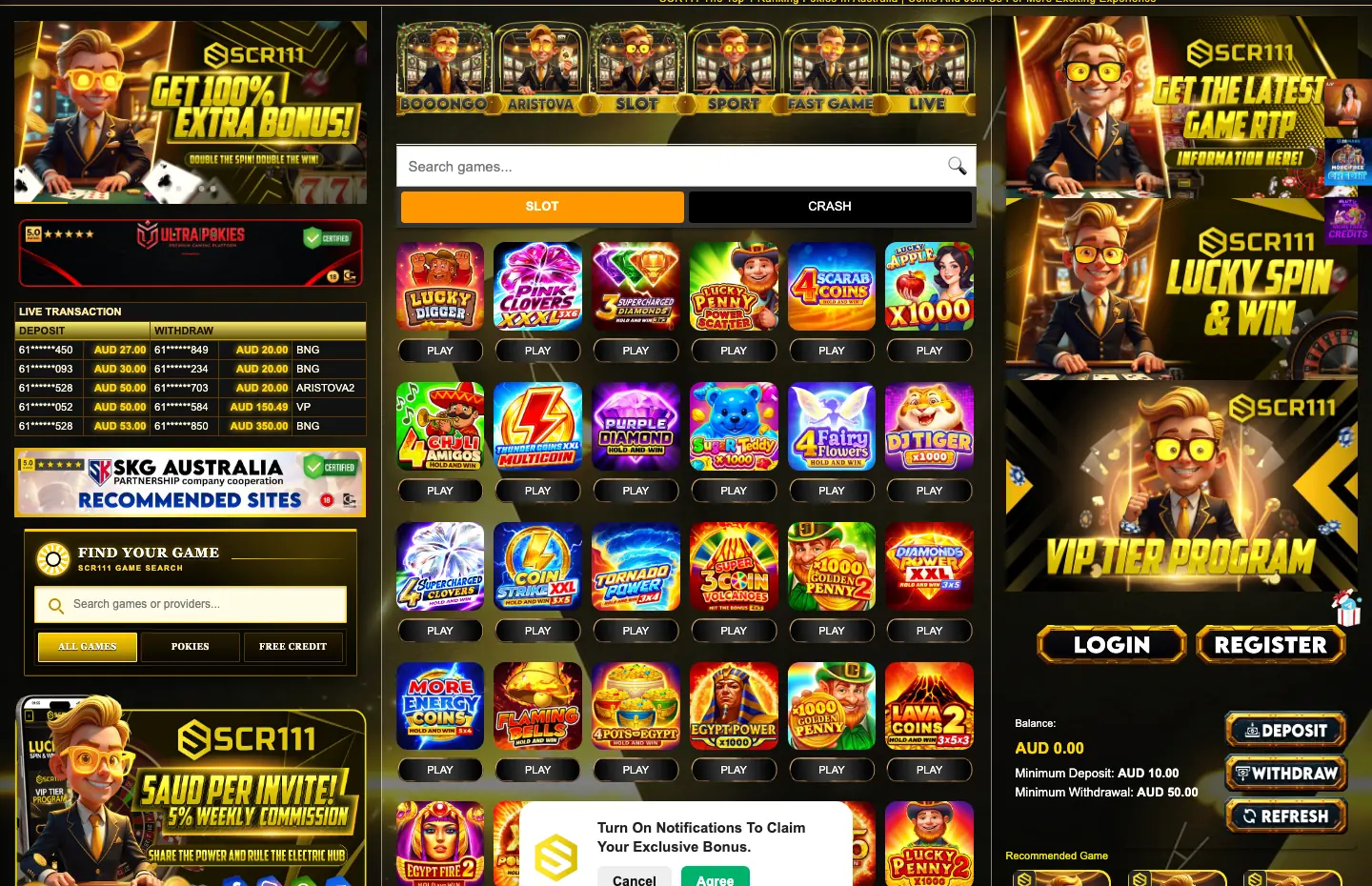
The public mobile wallet displayed the same AUD 10 deposit and AUD 50 withdrawal minimums observed on desktop.
Mobile performance and data
Game thumbnails, animations and live content can use more data than ordinary text pages. Wi-Fi may improve loading, but public networks introduce privacy risks. A personal connection is preferable for login and banking actions.
If a game freezes, wait for the balance to update and inspect history before launching another round. Reinstalling an app is not relevant when SCR111 is being used through the browser.
SCR111 mobile support
Live Chat remains in the bottom navigation on the mobile interface. It can be used for account, promotion and payment questions without leaving the website. Take note of any reference number supplied during the conversation.
For technical issues, include the phone model, operating system, browser and approximate time, but never disclose the password or SMS verification code.
Frequently asked questions
Can I use SCR111 on iPhone?
Yes. The responsive website can be opened in a current iPhone browser.
Can I use SCR111 on Android?
Yes. The browser interface is available on current Android devices.
Is an SCR111 APK required?
No APK is required for the verified browser experience, and unverified downloads should be avoided.